Drop it in.
Add images, folders or a picture from your clipboard. Pick your resolution and crop.

Upscale images on your Mac for life. No credits to spend.
100% local image processing.
Unlimited image upscaling.
Pay once for a lifetime license. No monthly fees. No Imupscale account required.
Download first. Buy the lifetime license when you are ready.
Mac App Store release coming soon.
Unlimited. Every image you want.
Private. Every pixel stays local.
Yours. One payment. Keep creating.
02 — LOCAL IMAGE UPSCALING
See what happens when you upscale an image with Imupscale. Slide between the original photo and the actual exported result.
Detail Engine · Real-ESRGAN
 Original 718 × 480Upscaled 5120 × 3423
Drag to compare. Use arrow keys when the slider is focused.
Actual output. Optimized web previews.
AI can alter or invent details. Results vary by image.
03 — HOW THE MAC APP WORKS
An image upscaler that feels at home on your Mac. From a single photograph to a whole folder, keep your workflow moving.
Add images, folders or a picture from your clipboard. Pick your resolution and crop.
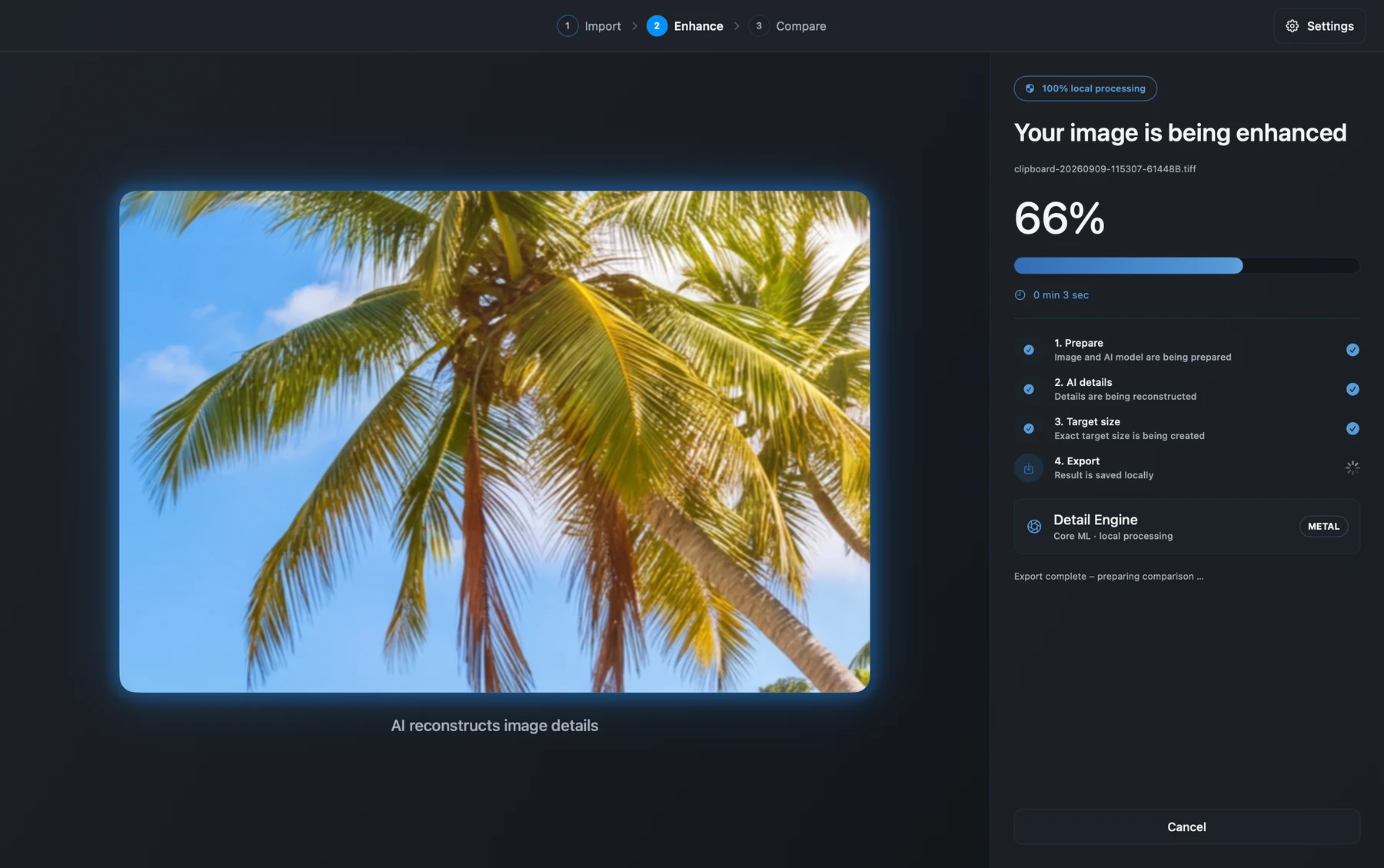
Choose your engine. Your Mac processes the images locally with Core ML and Metal.
Compare the details, then export in PNG, JPEG, WebP or TIFF. Save to your chosen folder.
04 — TWO LOCAL AI ENGINES
Take the detail-first route or keep things moving. Both engines run on your device and are included in the app.
For the images that deserve a closer look. Choose a quality-focused approach to AI image enlargement.
Real-ESRGAN technologyFor a faster workflow. Give your images more room while keeping your next project in motion.
Real-CUGAN technologyYOUR IMAGES DON'T NEED A ROUND TRIP.
Image processing happens on your Mac. No picture uploads, no processing server, no Imupscale account. Apple handles App Store purchases and activation.
05 — ONE-TIME LIFETIME LICENSE
Try every part of your workflow for 50 days.
When you're ready, unlock a lifetime license with one payment.
 ImupscaleLifetime licensePAY ONCE
Mac App Store release coming soon.
Apple Silicon · macOS 15 or later
A FEW THINGS TO KNOW
Open Imupscale, import your image and choose a target resolution. Select Detail Engine or Turbo Engine, then start processing. Compare the result and export it to your chosen folder.
Imupscale is a native macOS app. This website shows an interactive comparison of a supplied photo and its actual result. Your own images are processed in the app, locally on your Mac.
The planned App Store version includes a free 50-day trial activated in the app. You can purchase the lifetime unlock during or after the trial. It does not automatically turn into a paid plan. After the trial, a purchase is required to process new images; your exported files remain yours.
No. The lifetime unlock is a one-time purchase with no per-image credits or recurring subscription. Processing speed and supported image sizes depend on your Mac and the app's technical limits.
Image processing runs locally using models included in the app. An internet connection may be needed for App Store downloads, purchase activation and restoring purchases.
Imupscale requires a Mac with Apple Silicon and macOS 15 or later. Export your results as PNG, JPEG, WebP or TIFF.
AI estimates and reconstructs detail; it cannot guarantee that new details match the original scene. Always review your results. Only process images you have the rights and permissions to use.